Free · original · commercial use ok
SVG cut files that go straight to the mat.
Every design here is drawn in-house, welded so letters stay in one piece, and sized for a 12 × 12 mat. Download the SVG, load it in Cricut Design Space or Silhouette Studio, cut.
- Formats
- SVG · PNG
- Colour
- 1 + layered
- Price
- $0, no account


Pick a vinyl colour, pick a theme
Fresh off the mat
Search all designsGathersvg + color
Home Is Where The Heart Issvg + color
Pumpkin Spicesvg + color
Leaves Fallingsvg + color

Sweater Weathersvg + color
Gathersvg + color

Autumn Leaves & Pumpkins Pleasesvg + color

Caramel Popcornsvg + color

Bride To Besvg + color

Dream Bigsvg + color

Teach Inspire Repeatsvg + color
Pencils Readysvg + color
Eat Drink & Be Merrysvg + color

Grandma'S Kitchensvg + color
Bite Goodsvg + color
Homemade With Lovesvg + color
Boo Yasvg + color
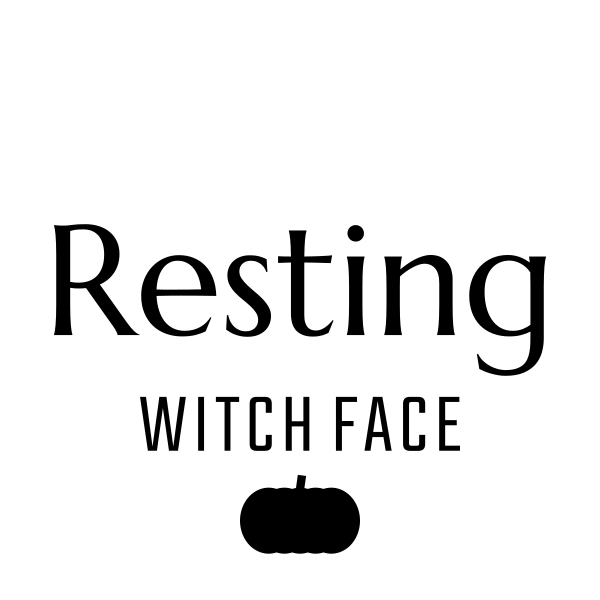
Resting Witch Facesvg + color
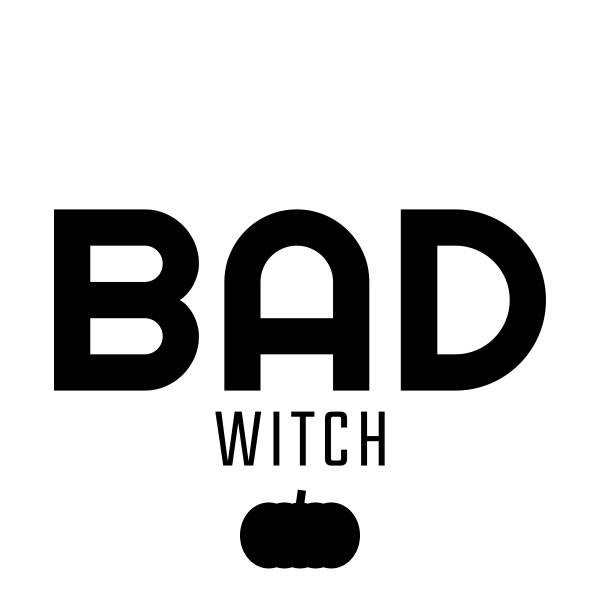
Bad Witchsvg + color
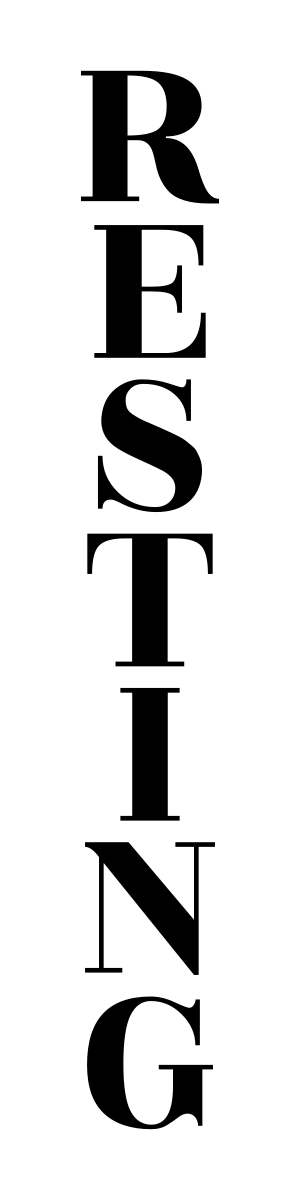
Resting Witch Facesvg + color
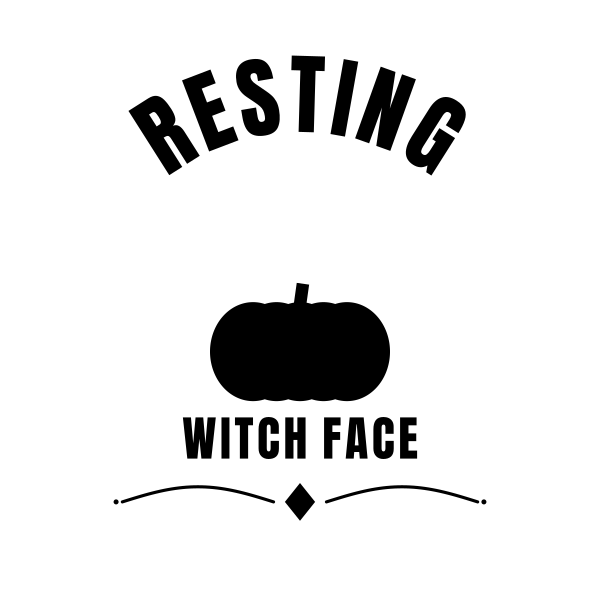
Resting Witch Facesvg + color
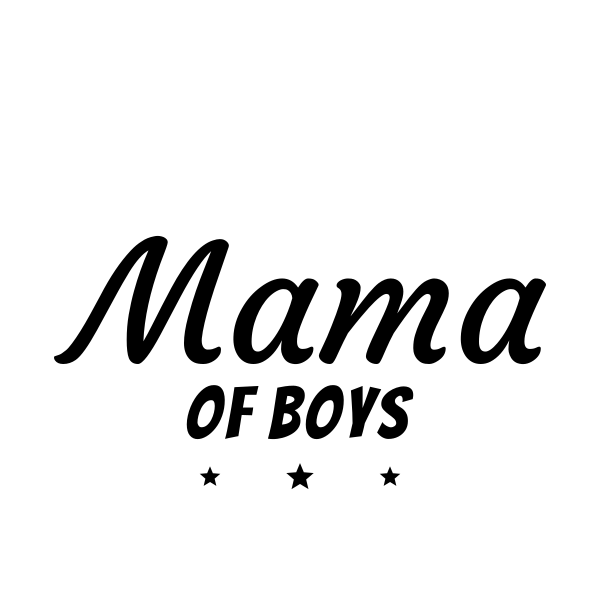
Mama Of Boyssvg + color
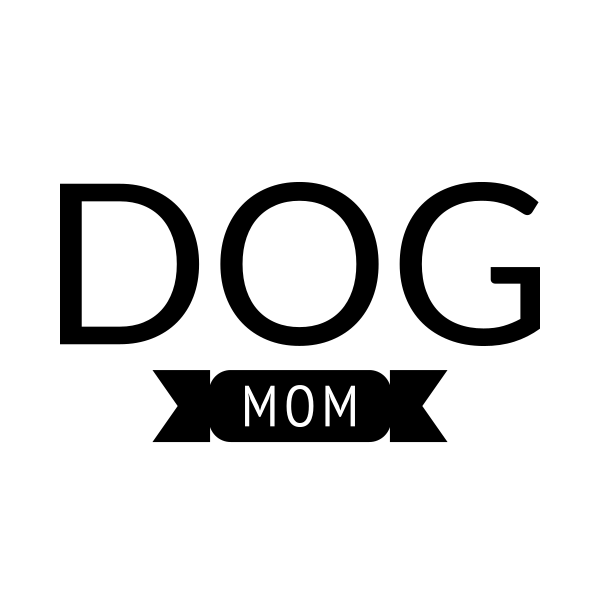
Dog Momsvg + color
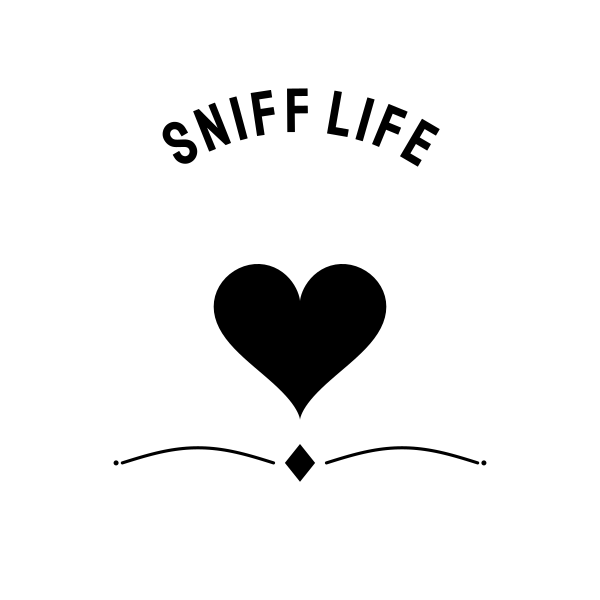
Sniff Lifesvg + color
Step 1
Upload
Open Cricut Design Space or Silhouette Studio, upload the SVG. It arrives as one clean shape, no stray bits to delete.
Step 2
Size
Drag it to your blank: 3 in for a mug, 10 in for a shirt, 22 in for a porch sign. Nothing pixelates, it is vector.
Step 3
Cut & weed
Cut, weed the negative space, apply with transfer tape or press with iron-on. Layered colour files cut one colour per sheet.