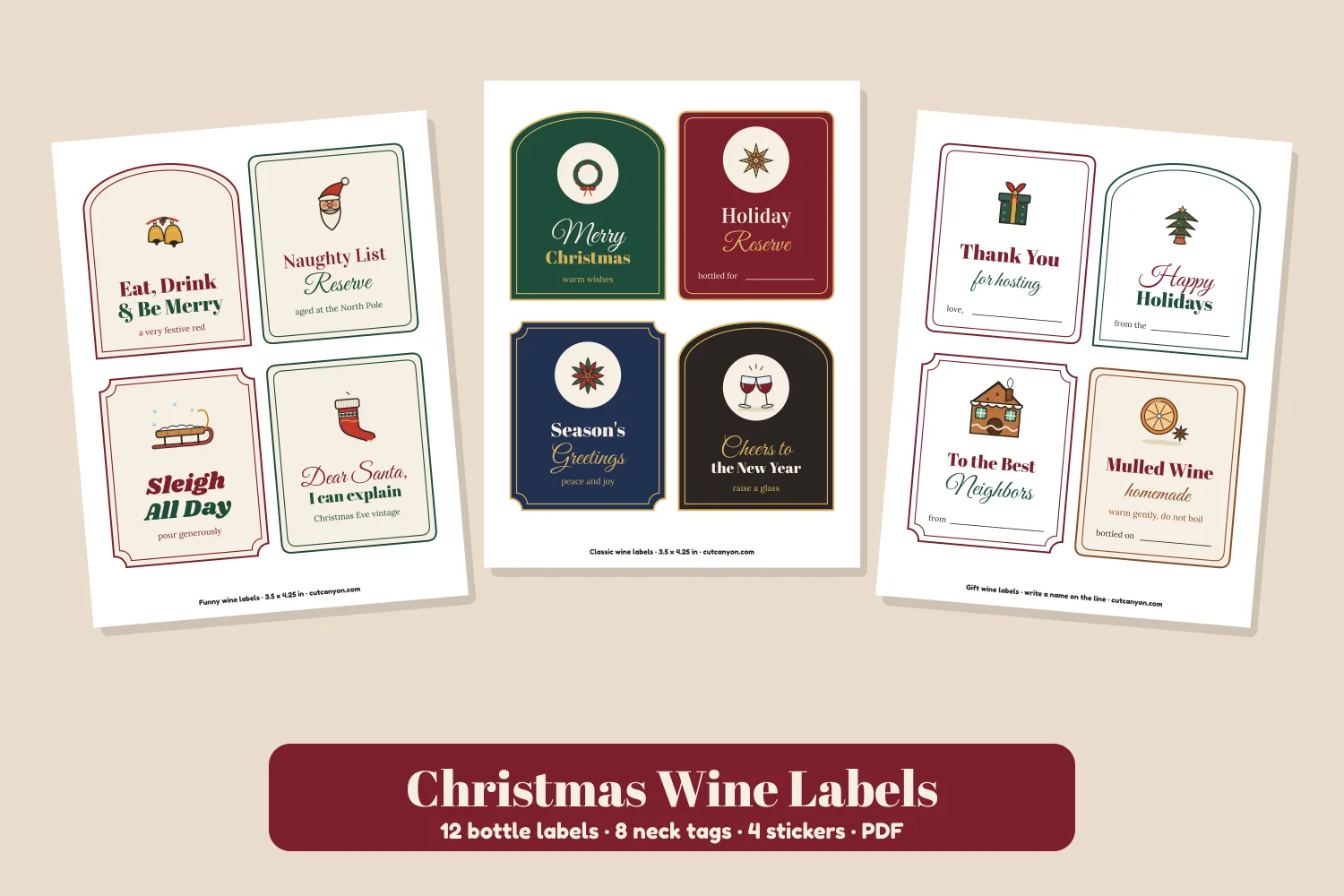
Christmas Wine Bottle Labels and Neck Tags
Free · no sign-up · commercial use of what you make is OK
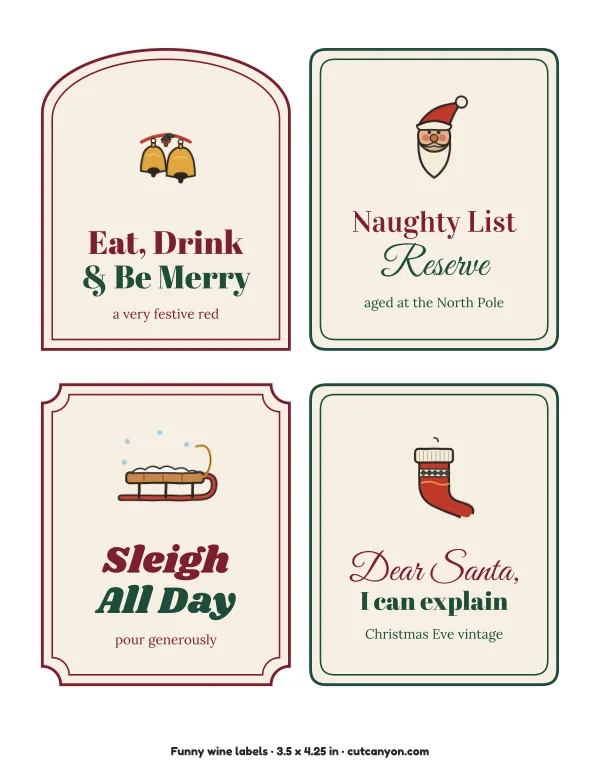
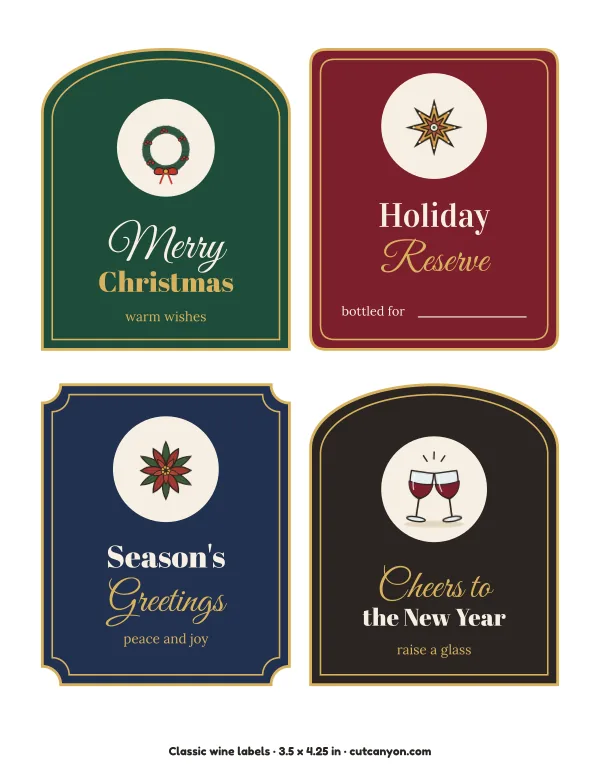
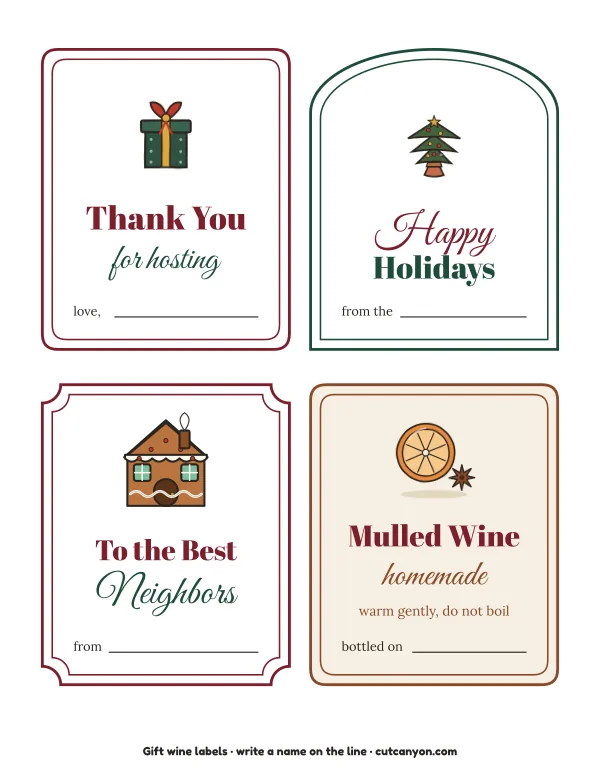
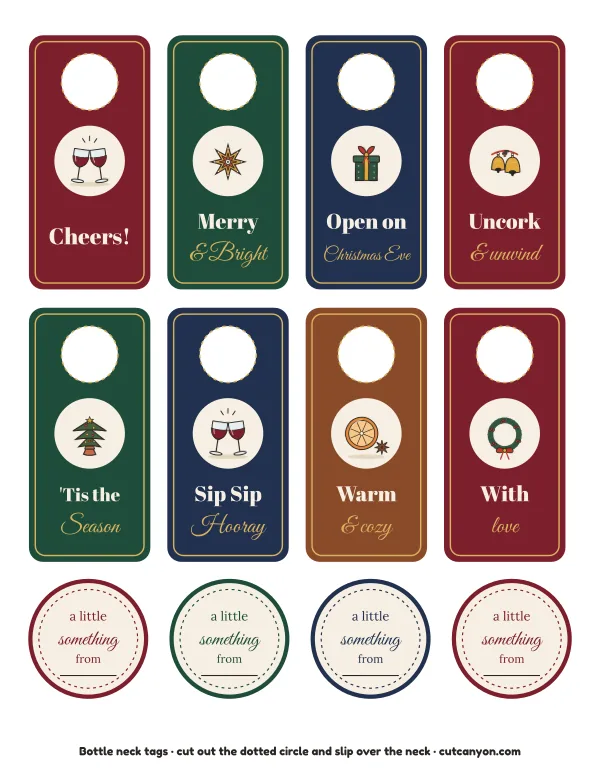
Printable labels for turning a plain bottle of wine into a Christmas gift for a host, a neighbor or a friend. There are 12 bottle labels, each 3.5 by 4.25 inches, which fits the front of a standard 750 ml wine bottle. Four are funny (Eat, Drink and Be Merry; Naughty List Reserve; Sleigh All Day; Dear Santa, I Can Explain), four are classic on dark green, burgundy, navy and black with gold lettering (Merry Christmas, Holiday Reserve, Season's Greetings, Cheers to the New Year), and four are gift labels with a line to write on: Thank You for Hosting, Happy Holidays from the family, To the Best Neighbors, and a Homemade Mulled Wine label with a bottled-on date. The last page has 8 neck tags with a circle you cut out so the tag slips over the bottle neck, plus 4 round stickers that say a little something from. The little pictures are hand-inked, and the wine glasses and the orange slice were drawn for this set. You get a PDF of all four pages plus each page as SVG and PNG. Print on sticker paper or plain cardstock, cut by hand or with Print Then Cut, and attach with glue dots or double-sided tape.
- Type
- Printable kit · 4 pages, US Letter (8.5 × 11 in)
- Files
- PDF of every page, plus each page as SVG and 300 dpi PNG
- Works with
- Any home printer on cardstock or sticker paper; Print Then Cut in Cricut Design Space or Silhouette Studio is optional
- Licence
- Free, sell what you make
- Downloads
- 41
What is in the kit
Each page below is a full US Letter sheet. The PDF above has all of them in order; if you only need one page, grab its SVG or its 300 dpi PNG here.
How to print it
- Open the PDF and print at 100% or "actual size". "Fit to page" shrinks everything slightly, so labels and tags will not match their stated sizes.
- Use 65–110 lb white cardstock for signs, tags and cards, or full-sheet sticker paper for labels. Matte paper hides fingerprints better than glossy.
- Cut by hand with a craft knife and ruler, or upload a page PNG to Cricut Design Space or Silhouette Studio and use Print Then Cut. Cricut limits Print Then Cut to 6.75 × 9.25 in, so resize a full page to fit.
- Punch tag holes with a standard 1/8 in hole punch and tie on with twine or ribbon.
More christmas designs
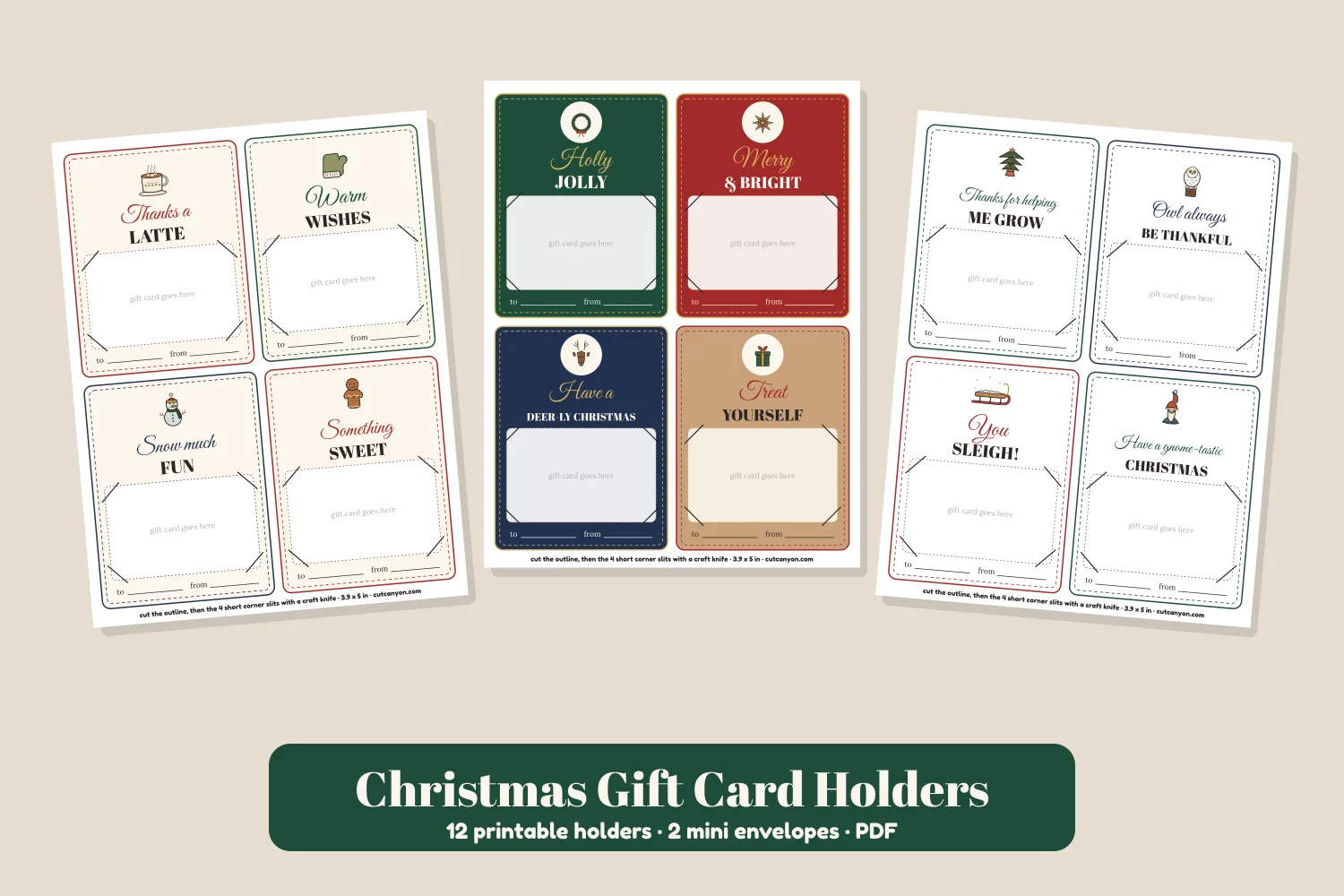
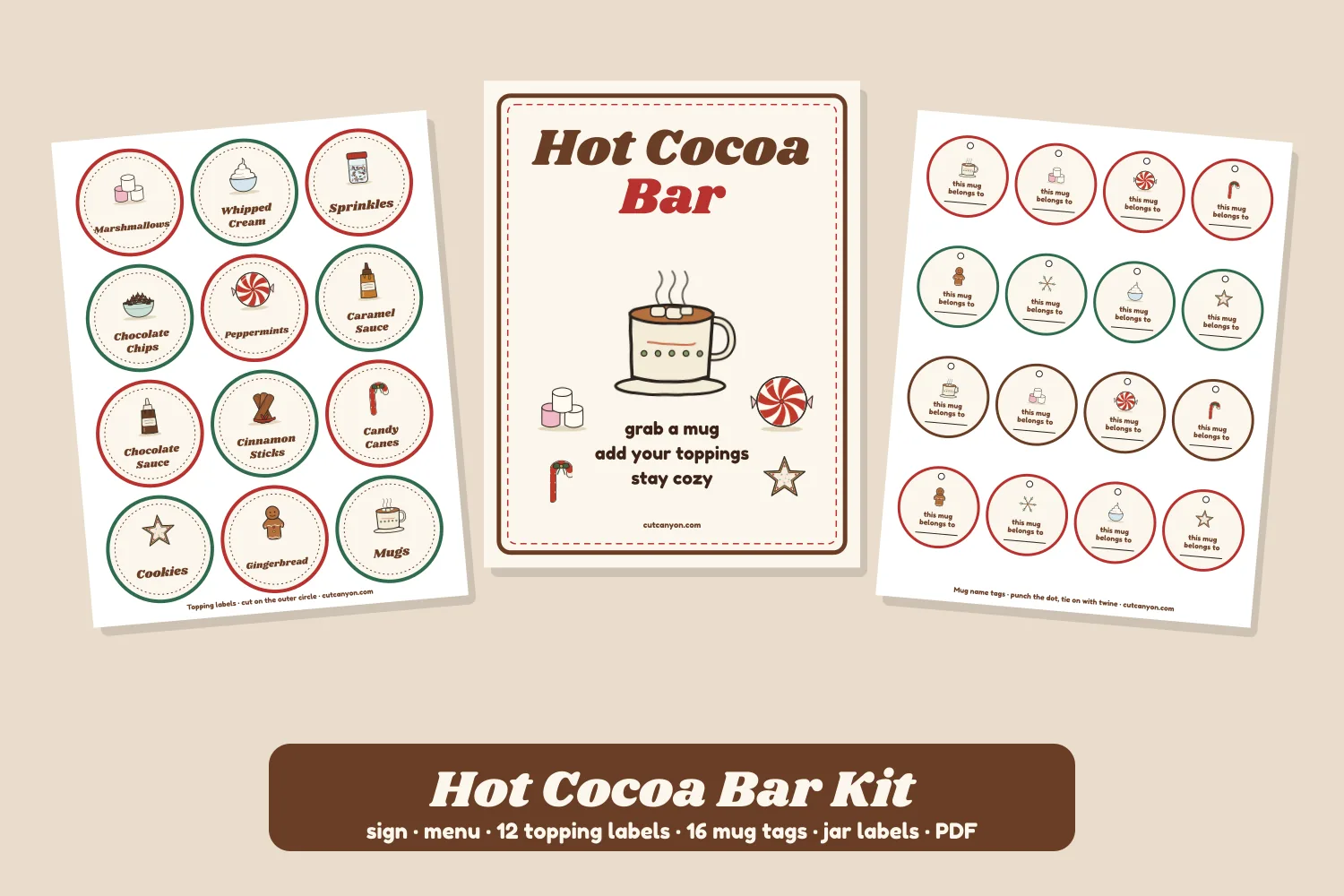
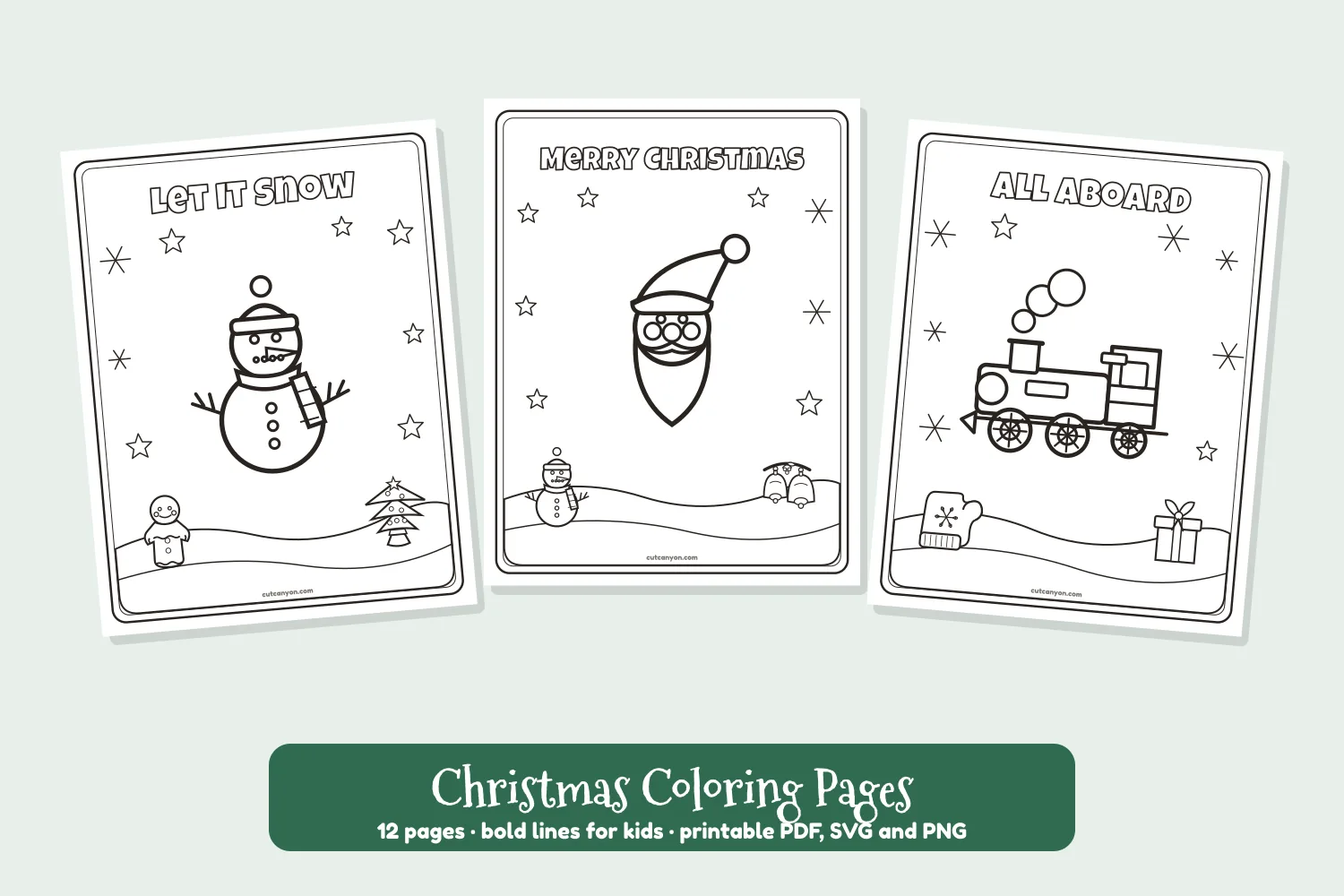
Browse all Christmas SVGs, or jump to Halloween and Fall.